

AI Rig Builder
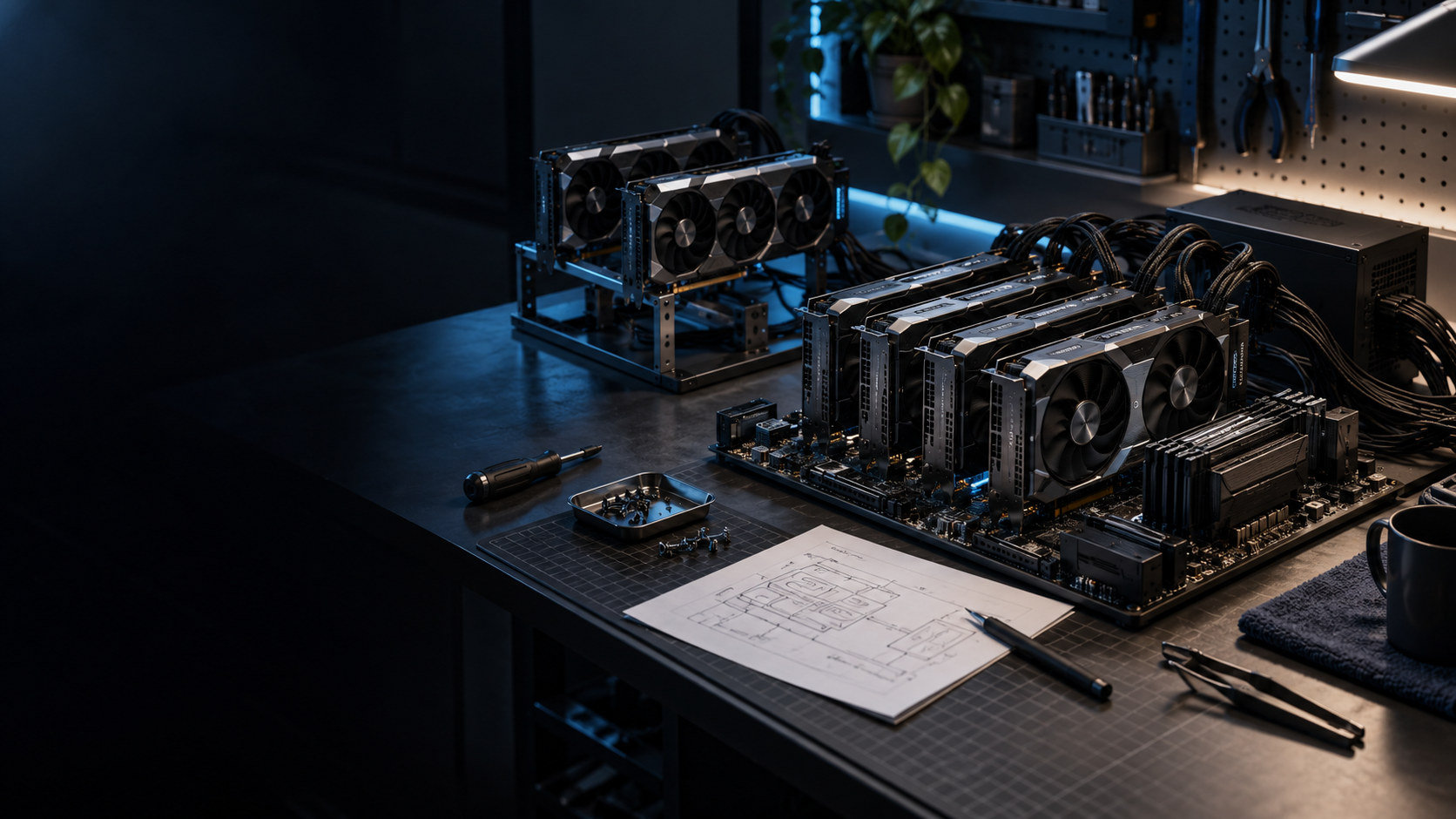
Drag graphics cards onto a real motherboard and a processor into its socket, and see which slots the coolers cover, which links drop to x8 or to the processor's PCIe generation, and what goes on a riser. The power budget follows every part to its supply and the wall circuit, and the models that fit the cards' memory, or run with layers in system memory, are listed from their published configs.
1 Build
Drag cards from the list onto the board's slots, or onto the riser tray, and a processor onto the socket; press the socket to set the memory. The slots a cooler covers are shaded, and every link shows the PCIe generation and lanes it will actually run at.
This browser will not keep saved work — storage is blocked, or this is a private window.
2 Power
Each card's draw, with its power limit, on the supply that feeds it. Cables are counted against what each supply has, and the total is checked against the wall circuit.
This browser will not keep saved work — storage is blocked, or this is a private window.
3 Models
Which models fit the rig's combined graphics memory at your context length, which run with some layers in system memory, and how one splits across the cards.
This browser will not keep saved work — storage is blocked, or this is a private window.
4 Rig sheet
Every check, every part with its source, your rigs side by side, and the rig sheet to print or the parts list to download.
This browser will not keep saved work — storage is blocked, or this is a private window.
Where the parts come from. Every card, board, processor and listed power supply links the page it was read from and the date. Most are the maker's own spec page; where that page could not be read, the part says what it was read from instead. A figure the page does not print, such as a partner card's width, is shown as not printed and asked of you rather than filled in.
The full parts lists. Behind those rows, every shelf also carries the parts in the BuildCores OpenDB, an open parts database its maintainers update daily, used under the Open Data Commons Attribution License. Each of those parts links its OpenDB record and the date of the copy used here. OpenDB lists a board's slots by electrical width only, so the builder assumes those slots are full length and says so on the board; a part read from its maker's page is listed once, from that page.
What it checks. A card's cooler covers the slots below it by its width in slots. Slots that share lanes divide them when both are full, as the board's spec page prints. A card's link runs at the lowest generation and width of the card, the slot and any riser. Each supply carries its cards and, for the first supply, the CPU and the rest of the system; its cables are counted against the connector choices the card's maker prints. The processor must match the board's socket; its PCIe generation caps the slots wired to it, and its lanes and memory channels are checked against what the cards and memory sticks ask for. The wall total divides each supply's load by its efficiency, and a US circuit is held to 80% of its rating for a continuous load (NEC 210.19(A) and 210.20(A)).
What it does not know. The rest of the system, a supply you type in, the fan you add to a passive card, and each supply's efficiency at your load are your figures; a listed supply starts at its 80 PLUS tier's half-load minimum. The processor counts at the highest power its maker prints unless you set a limit. Model sizes are estimates from each model's published config, with each card keeping a margin for its runtime; use the Local Model Fit Sheet with your own file sizes for an exact answer. No speed is shown, because only a benchmark of your runtime and build could support one.
Saved rigs stay in this browser. This product needs no account; download a backup before clearing browser data or moving machine.
Your copy
Download everything saved in this browser, or restore a backup on this device.